Free Photo to Line Art & Sketch Converter
Turn any photo into line art, outlines, pencil sketches, tattoo stencils, cross stitch patterns & more — instantly, free, no sign-up. 21 browser-based tools powered by WebAssembly. Your images never leave your device.
Quick facts
21 browser-based tools for line art, stencils, craft patterns and artistic effects.
- Best for
- Creators who need a fast starting point for drawing, printing, cutting, engraving or craft planning.
- Inputs
- JPG, PNG, WebP and HEIC
- Outputs
- High-resolution PNG; selected tools also export SVG or printable reports.
- Processing
- Images are processed on the device and are not uploaded; analytics and advertising are disclosed separately.
Limitations: Results depend on source-image contrast and may require cleanup before professional production.
Reviewed 2026-09-21. Methodology and guidance
Featured Tools
See It in Action
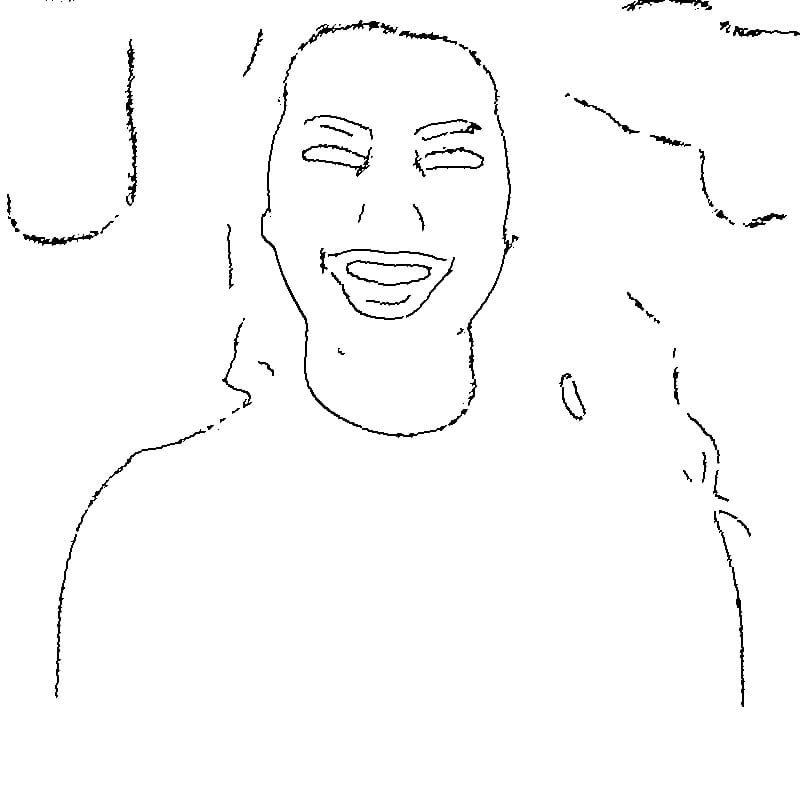
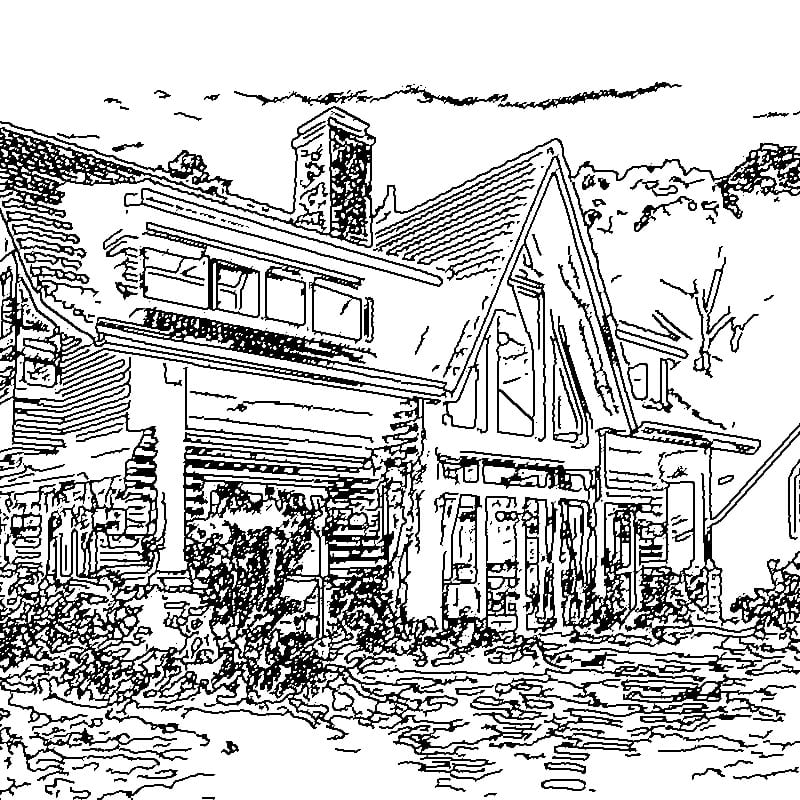
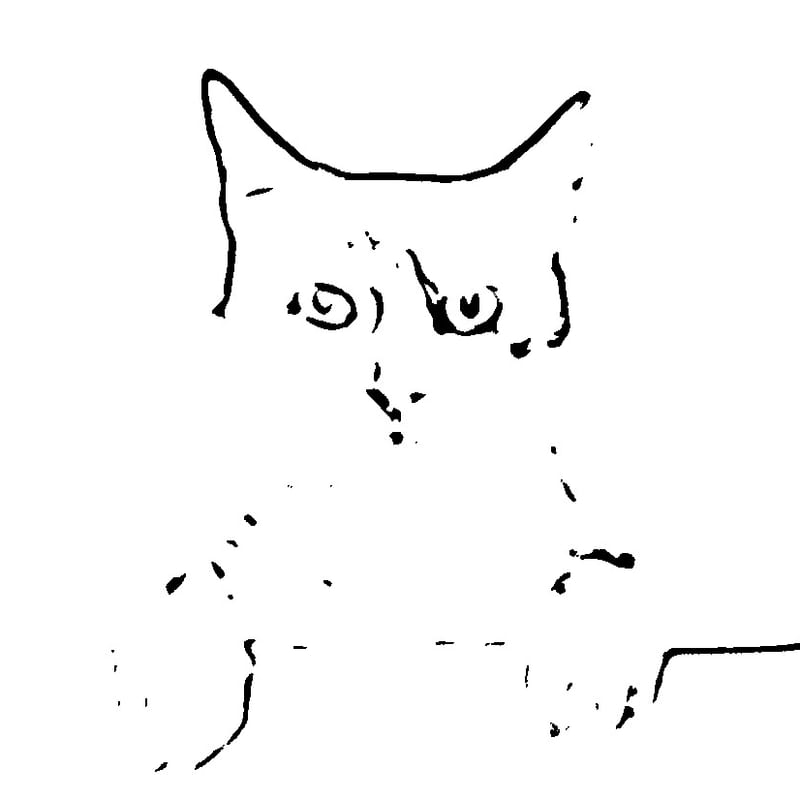
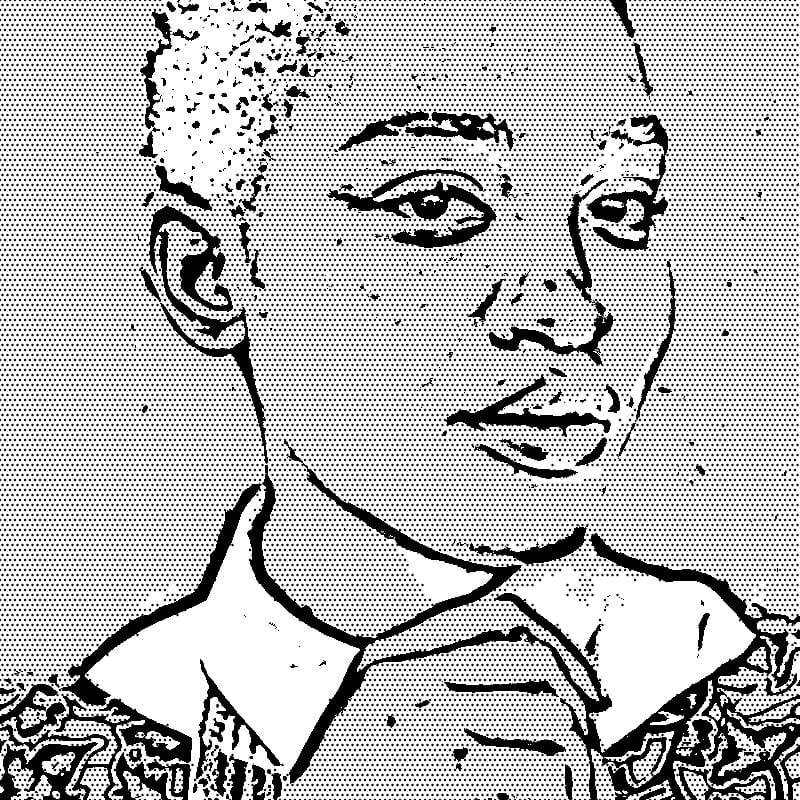
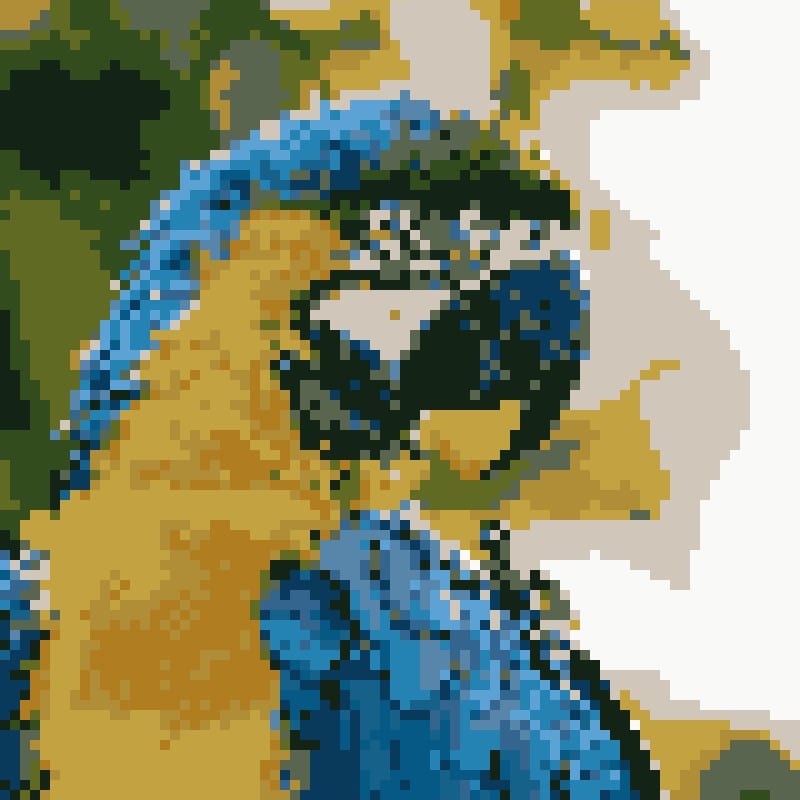
Real before-and-after results, produced right in your browser. Tap any example to try that tool free.
 Before
 After
After Before
 After
After Before
 After
After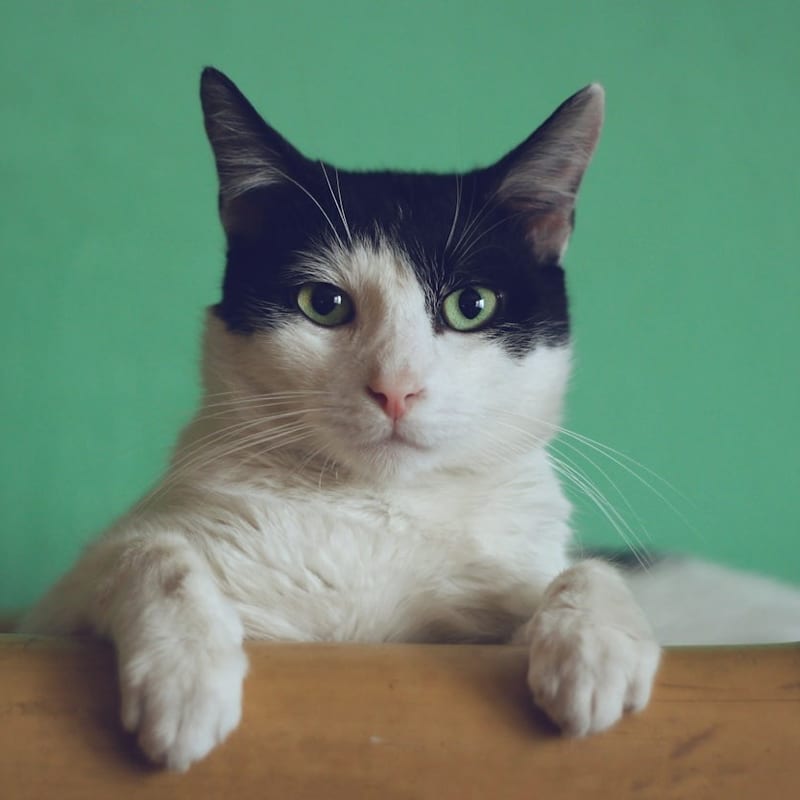 Before
 After
After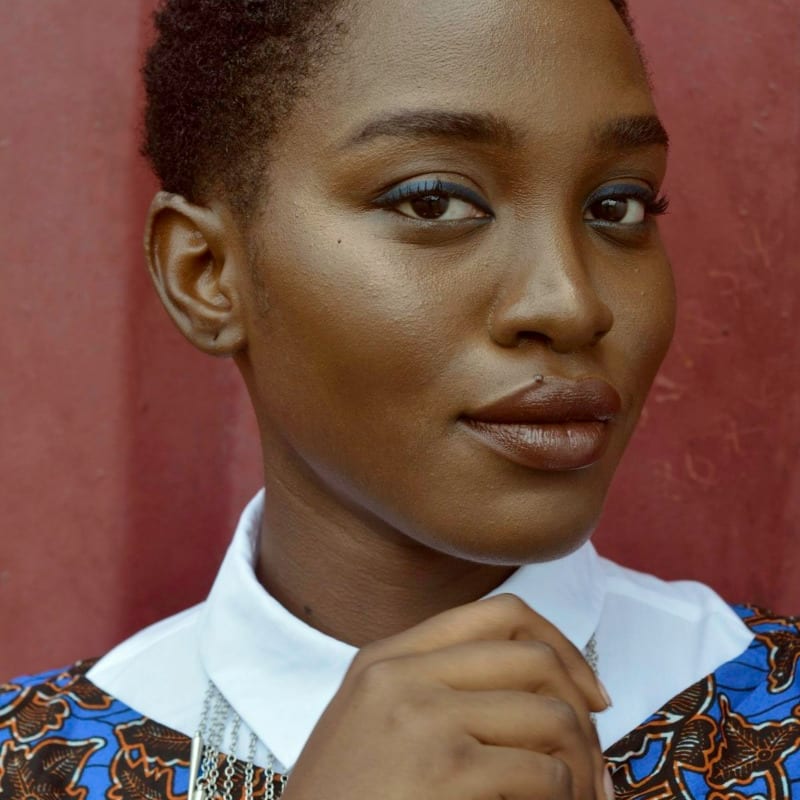 Before
 After
After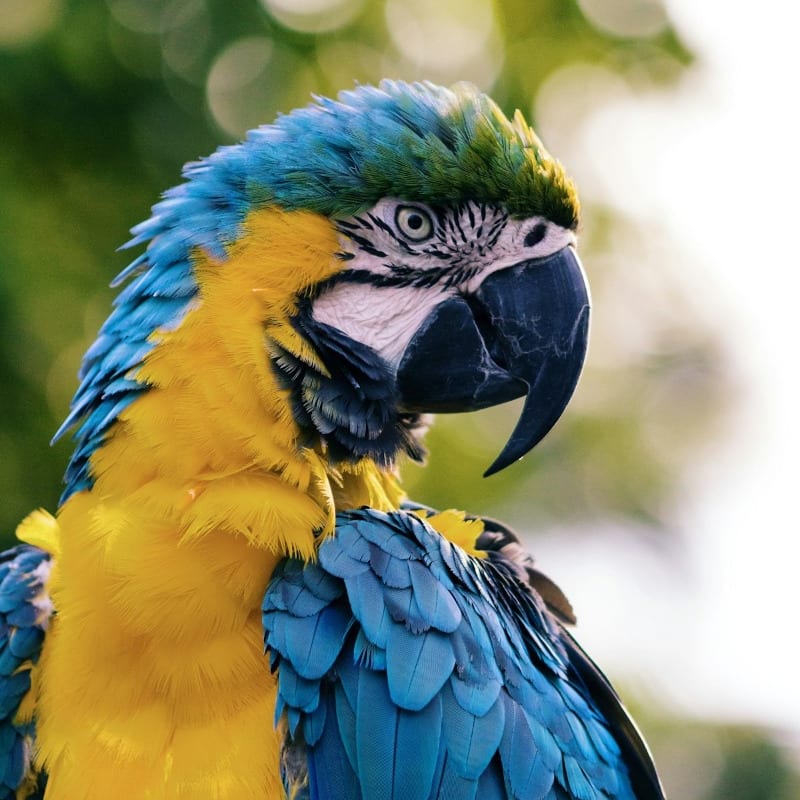 Before
 After
AfterWhat is Photo to Line Art Conversion?
MakeLineArt converts a photograph into a line drawing, stencil, craft pattern or artistic effect. Upload a photo, choose a tool and download the result.
Choose the photo-to-line-art converter for important internal edges and details, the image-to-outline converter for transparent contours, or the tattoo stencil maker for bold, mirrored lines on thermal transfer paper. Each workflow needs different line weights, detail levels and output formats.
Images are processed directly in your web browser and are not uploaded or stored by MakeLineArt. The site separately uses analytics and advertising services according to your consent choices and the privacy policy.
Results depend on source-image contrast and may require cleanup before professional production. Use a well-lit photo with a clear subject and simple background. Inspect the result at its intended final size.
How It Works
Upload Your Photo
Drag & drop or browse to upload any image. Supports JPG, PNG, and WebP.
Choose Your Style
Pick from 21 specialized sketch styles — from transparent outlines to laser-ready files.
Download Instantly
Get your result in seconds. No sign-up, no watermark, no limits.
Why Choose MakeLineArt
Zero Server Processing
All image processing happens in your browser using WebAssembly technology. Your photos never leave your device.
21 Specialized Tools
From tattoo stencils to architectural blueprints — we have the right tool for every creative need.
Completely Free
No hidden fees, no sign-up walls, no usage limits. Professional-grade results at zero cost.
Works Everywhere
Runs on any modern browser — desktop, tablet, or mobile. No app installation needed.
Latest Articles & Guides
Why Client-Side Image Processing is the Future of Privacy
Discover how browser-based image processing with WebAssembly protects image privacy by keeping photos on your device with no server upload or storage.
Read More →5 Best Free Photo to Line Art Tools (2026) — No Download, Instant Results
Compare the top 5 free online photo to line art converters for crafters. Side-by-side comparison with pros, cons, and our top pick for Cricut, embroidery, and vinyl cutting.
Read More →How to Make a Tattoo Stencil from a Photo — Pro Tips & Free Stencil Maker (2026)
Step-by-step guide to creating clear tattoo stencils from photos, including photo selection, contrast, mirror flip and thermal transfer preparation.
Read More →Personalized Gifts: Turning Family & Pet Photos into Custom Art
Create meaningful, one-of-a-kind gifts by transforming your favorite family and pet photographs into beautiful pencil sketches, coloring pages, and wedding art.
Read More →The Ultimate Guide to Architectural Sketching from Photographs
A comprehensive guide for real estate agents, architects, and designers on converting property photos into professional architectural sketches and blueprint-style drawings.
Read More →How to Convert Any Photo to Cross Stitch Pattern — Free Online Tool & Guide (2026)
Step-by-step tutorial: convert your favorite photo into a printable cross stitch pattern for free. Choose colors, set grid size, and start stitching — no software download needed.
Read More →