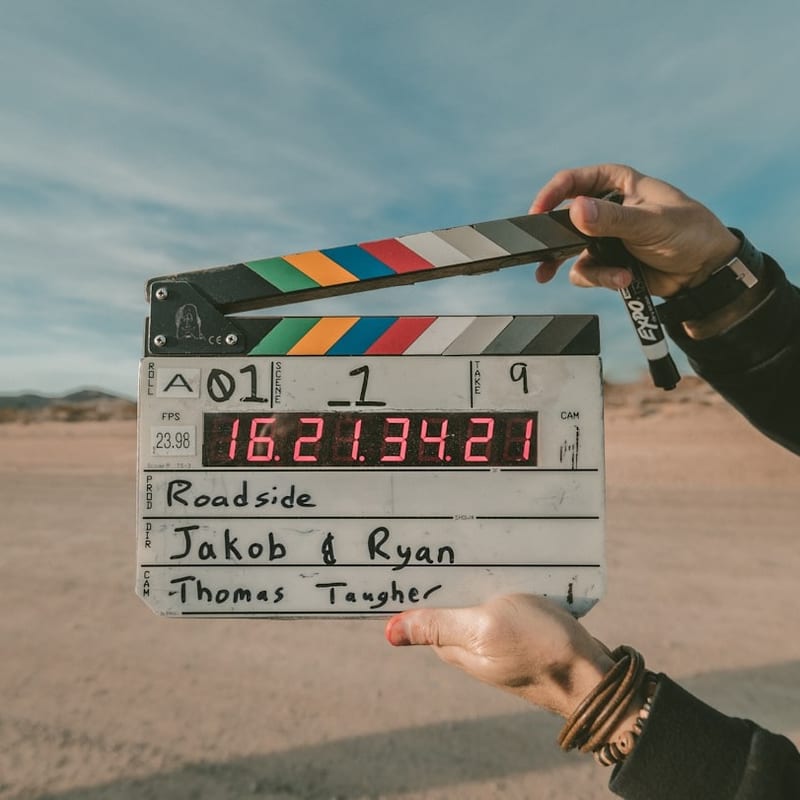
Types of Storyboards and When to Use Each
Storyboards come in several distinct formats, each suited to different stages and types of production. Thumbnail storyboards are the roughest — small, quick sketches often no larger than a postage stamp, drawn rapidly to explore narrative flow and pacing. They are typically used by the director or storyboard artist during initial creative development. Presentation storyboards are larger, more refined drawings created to communicate the vision to producers, clients, or studio executives. These need to look polished enough to convey the project's visual ambition while still reading as preliminary plans. Animatics take storyboards a step further by adding timing and sometimes basic motion — individual storyboard frames are edited together into a video with rough sound design, giving a preview of how the final piece will feel in motion. Shooting boards are the most detailed type, annotated with specific camera directions, lens choices, movement notes, and technical specifications that the cinematographer and crew will reference during production. This converter is particularly well-suited for creating presentation storyboards, where the sketchy, hand-drawn aesthetic of the output lends authenticity and visual appeal to pre-production packages.
Shot Composition and Camera Angles in Storyboard Planning
Effective storyboarding requires understanding the visual grammar of filmmaking. Each frame in a storyboard communicates not just what is in the scene but how the audience will experience it emotionally. The establishing shot, typically a wide view showing the location and spatial relationships between characters and environment, orients the viewer and sets the scene. Medium shots frame characters from roughly the waist up and are the workhorse of dialogue scenes, showing body language while keeping facial expressions legible. Close-ups isolate a face or important object, creating intimacy and directing attention to emotional beats or narrative details. The over-the-shoulder shot places the camera behind one character looking at another, establishing spatial relationships in conversation scenes. Point-of-view shots put the audience directly into a character's perspective, creating subjective identification. High angles make subjects appear vulnerable or small; low angles create a sense of power or menace. Dutch angles (tilted horizon) communicate unease or disorientation. When converting reference photos for storyboards, consider which of these compositional types your frame represents and adjust the crop and intensity accordingly — a rough establishing shot needs less detail than a close-up where facial expression matters.
How the Color Dodge Blend Algorithm Works
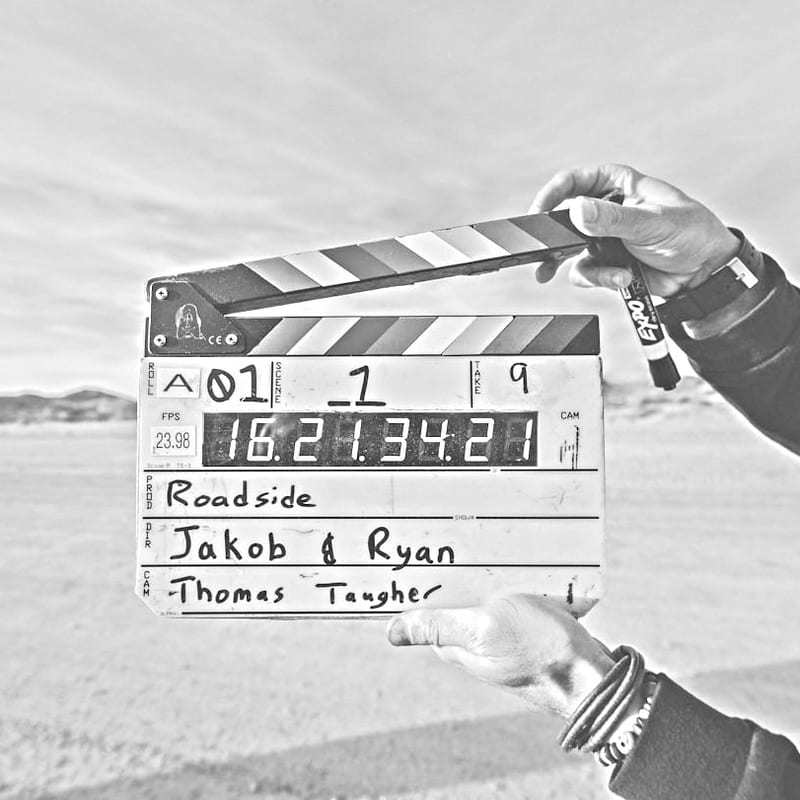
The pencil sketch effect used by this converter relies on a technique borrowed from digital art and image compositing called Color Dodge blending. The process works in several steps. First, the source image is converted to grayscale, preserving luminance information. A copy of this grayscale image is then inverted — dark areas become light and light areas become dark. This inverted copy is blurred using a Gaussian filter, which softens the inverted tones into smooth gradients. Finally, the blurred inverted image is blended with the original grayscale image using the Color Dodge blend mode. In this blend mode, each pixel in the base image is divided by the inverse of the corresponding pixel in the blend image. Where the blurred inverse closely matches the original (smooth, gradual tonal areas), the result is near-white — these areas effectively vanish. Where there are strong edges or rapid tonal transitions, the blur does not fully cancel the original, leaving visible dark marks — these become the pencil strokes. The mathematical result is an image that naturally emphasizes edges and textural transitions while erasing smooth gradients, closely mimicking how a pencil artist would render only the edges and leave paper white in uniform areas.
Aspect Ratios for Different Media Formats
Storyboard frames must match the intended delivery format, and the built-in Crop tool provides the most common aspect ratios. The 16:9 ratio is the standard for HD television, streaming platforms, YouTube, and most corporate video. The 2.39:1 (sometimes written as 2.35:1) ratio is the anamorphic widescreen format used for theatrical cinema, giving a panoramic quality suited to landscape-heavy or epic-scale storytelling. The classic 4:3 ratio, while rarely used for new productions, remains relevant for projects with a retro aesthetic or for content that will appear within older aspect ratio frames. The 9:16 vertical ratio has become increasingly important for social media content on platforms like Instagram Reels, TikTok, and YouTube Shorts, where vertical video is the native format. The 1:1 square ratio serves Instagram feed posts. When storyboarding a project, set the aspect ratio before converting your reference photos so that every frame in your board has consistent proportions, and you can accurately judge how composition will work in the final format.
How Storyboards Integrate into the Production Workflow
In a professional production, the storyboard sits at the center of a chain that begins with the screenplay and ends with the final edit. After the script is locked, the director works with a storyboard artist (or, on smaller productions, creates boards independently) to translate the written scenes into visual frames. This process forces the director to make concrete decisions about staging, camera placement, and visual emphasis that might remain vague in the script. The completed storyboard becomes a communication document shared with the director of photography, production designer, visual effects supervisor, and first assistant director. The DP uses it to plan lighting setups, lens choices, and camera movement. The production designer references it to understand which parts of a set will be visible on camera. The VFX supervisor identifies shots that will need digital augmentation. The first AD uses it to estimate shooting schedules — complex shots with elaborate camera moves take longer than simple static frames. On set, the storyboard serves as a checklist, ensuring that every planned shot is captured.
Collaboration Between Directors and Storyboard Artists
The director-storyboard artist relationship is one of the most important creative partnerships in pre-production. Some directors provide highly specific direction, describing every camera angle and composition in detail, with the artist functioning as a skilled hand translating verbal descriptions into drawings. Others work more collaboratively, describing the emotional intent of a scene and allowing the artist to propose visual solutions. Many storyboard artists report that the best directors fall somewhere in between — they have strong opinions about key moments but welcome creative input on transitional shots and coverage. The storyboard artist's role goes beyond mere drawing ability; they need to understand cinematographic grammar, continuity, screen direction (the 180-degree rule), and editorial pacing. A great storyboard artist can suggest a shot or transition that the director had not considered, elevating the final product.
Digital vs Traditional Storyboarding Tools
Traditional storyboarding — pencil on paper or marker on card — remains common, especially among directors who value the tactile, immediate quality of hand drawing. Physical boards can be pinned to walls, rearranged easily, and marked up during meetings. However, digital storyboarding has grown significantly. Software like Storyboard Pro (by Toon Boom), FrameForge, Boords, and even general drawing tools like Procreate and Photoshop offer features that physical boards cannot: easy duplication of frames, undo history, layer-based composition, integration with animatic timelines, and instant sharing with remote team members. This photo-to-sketch converter bridges both worlds — you can generate sketch-style frames digitally, print them for physical boards, or insert them into digital storyboarding documents. The hand-drawn aesthetic of the output means your digitally generated boards have the visual character of traditional pencil sketches rather than looking obviously computer-processed.
Tips for Non-Artists Creating Storyboards
Not every filmmaker or content creator has drawing skills, and that is perfectly fine. The purpose of a storyboard is communication, not artistic exhibition. Stick figures with clear spatial positioning convey camera angles effectively. Simple boxes and arrows can indicate camera movement. What matters is that each frame clearly shows what is in the shot and how elements are arranged relative to each other. This converter provides a powerful shortcut for non-artists: photograph your scene, location, or actors in roughly the intended composition, and convert the result into a sketch-style frame. The output immediately looks more like a storyboard than a photograph, without requiring any drawing ability. You can then annotate the frames with notes about camera movement, dialogue, sound effects, and transitions.
From Storyboard to Shot List
The storyboard is the foundation for the shot list, the detailed schedule that organizes every camera setup needed for production. Each storyboard frame or sequence of frames corresponds to one or more entries on the shot list, which includes information like scene number, shot number, camera angle, lens, movement, and estimated duration. Converting storyboard frames into a shot list is partly a creative process (grouping shots by camera setup to minimize equipment moves) and partly a logistical one (ordering shots to make efficient use of locations, talent availability, and daylight). Directors who create thorough storyboards find that their shot lists are more complete, their shooting days are better organized, and they are less likely to discover in the editing room that they forgot to capture a critical angle. For related creative tools, you might explore our line art converter for clean outline-style frames or our manga-style converter for comic book panel aesthetics.
All processing runs entirely in your browser — your pre-production photographs, location scouts, and creative materials remain completely private and are never uploaded to any server. No watermarks, no sign-up required, and completely free to use.