Free · Online · No Sign Up Required

Image to Outline Converter — Create Transparent PNG & SVG Contours Free

Convert any image into a clean outline online. Choose detailed, clean, minimalist or no-background contours, then download transparent PNG or SVG. Free, private and browser-based.

Image to Outline Converter

The free image to outline converter extracts the dominant external contours from a photo and can export the result as a transparent PNG or scalable SVG. It is built for adult creators preparing Cricut and Silhouette cut paths, laser engraving references, stickers, stencils, logos, technical diagrams, and minimalist artwork. No account is required and the image stays in the browser.

Outline versus line art

An outline focuses on the outside boundaries of visible objects, while line art can also include internal texture, facial features, folds, and shading edges. Choose the No Background preset when you need isolated contours, Minimalist for a small number of strong lines, Clean for balanced detail, or Detailed when interior structure matters.
Drag & drop your image here

or

Browse Files

JPG, PNG, WebP, HEIC — Max 10MB

Loading image engine...

Loading image engine (~8MB, cached after first load)...

Privacy GuaranteedNo Server Uploads100% Client-Side

Examples

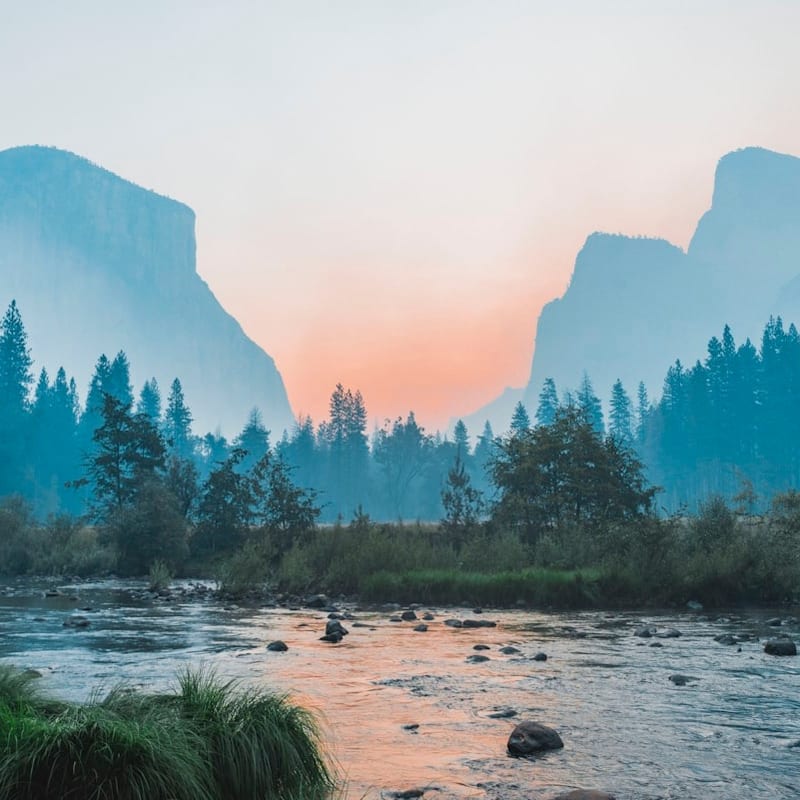
Image to Outline Converter — Create Transparent PNG & SVG Contours Free — Before
Before
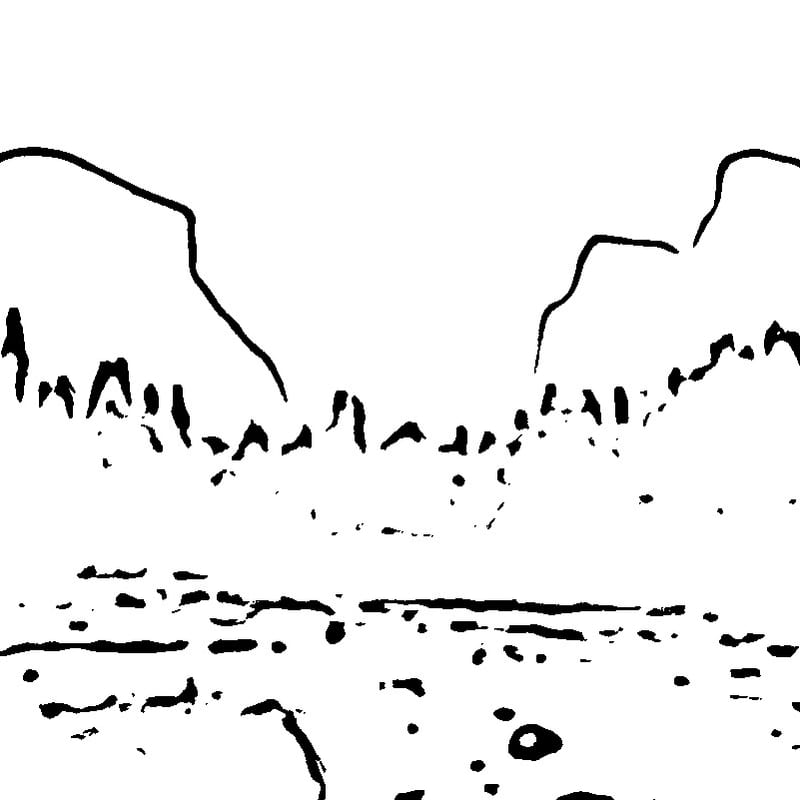
Image to Outline Converter — Create Transparent PNG & SVG Contours Free — After
After

Recommended settings by use case

Use casePresetGuidance
Sticker or overlayNo backgroundTransparent PNG with medium line weight.
Cricut or SilhouetteOutlineExport SVG and inspect nodes before cutting.
Laser referenceMinimalistUse a bold line and test at final material size.

Settings are practical starting points, not guaranteed output specifications; inspect the result at its intended final size.

In-depth Guide

Best source images

Use a sharply focused subject with strong contrast against a plain background. Product photos, icons, signatures, buildings, vehicles, plants, and side-profile portraits generally convert well. Busy backgrounds and low-contrast edges can create fragmented contours; crop tightly and use the eraser to remove any remaining marks.

Transparent PNG and SVG workflow

Transparent PNG works well for layering the outline over another design. SVG is useful when a downstream editor or cutter needs scalable paths, although complex photographs can create many path segments and may still require node cleanup. Always inspect the result at its final physical size before cutting, engraving, printing, or manufacturing.

Privacy and rights

Conversion runs locally on your device. Use only images you own, created, licensed, or have permission to process. You are responsible for trademarks, publicity rights, copyright, consent, and any rules that apply to the final use.

How to Use

  1. Upload a sharp image with a clear subject and a contrasting background.
  2. Choose No Background for external contours, Minimalist for fewer lines, or Detailed for interior structure.
  3. Adjust line weight and erase any fragments that should not appear in the final design.
  4. Download transparent PNG for compositing or SVG for scalable editing and cutter workflows.

What Makes This Tool Different

  • Dedicated external-contour extraction rather than a generic grayscale filter.
  • One-click transparent background plus PNG and SVG export.
  • Four presets cover detailed line work, clean drawing, minimalist art, and isolated outlines.
  • Local browser processing keeps private and commercial source images on your device.
  • Useful for Cricut, Silhouette, laser engraving, stickers, stencils, and diagrams.

Frequently Asked Questions

How do I convert an image to an outline?
Upload a clear image, choose the No Background preset to keep dominant external contours, adjust line weight, and download a transparent PNG or SVG. Processing runs locally in your browser.
What is the difference between an outline and line art?
An outline emphasizes the external contour or silhouette of a subject. Line art can also retain internal edges, texture, folds, and facial details. The presets let you choose either result.
Can I download an outline with a transparent background?
Yes. The No Background preset converts near-white pixels to transparency in the downloaded PNG. SVG export is also available for scalable path-based workflows.

All Sketch Tools