5 Best Free Tools to Turn Photos into Line Art for Crafters
Whether you're cutting wood on a scroll saw, etching designs with a laser, or planning your next cross-stitch project, converting photos into clean line art is an essential first step. But most image editing software is expensive, complicated, or requires you to hand over your email just to try it out.
That's why we built five specialized, browser-based tools on MakeLineArt.com — each one designed for a specific craft. They're completely free, require no sign-up, and process everything right in your browser so your images never leave your device. Here's a closer look at each one and how it can streamline your creative workflow.
---
1. Laser Engraving Converter
Best for: Laser engraver owners who need high-contrast, machine-ready image files.
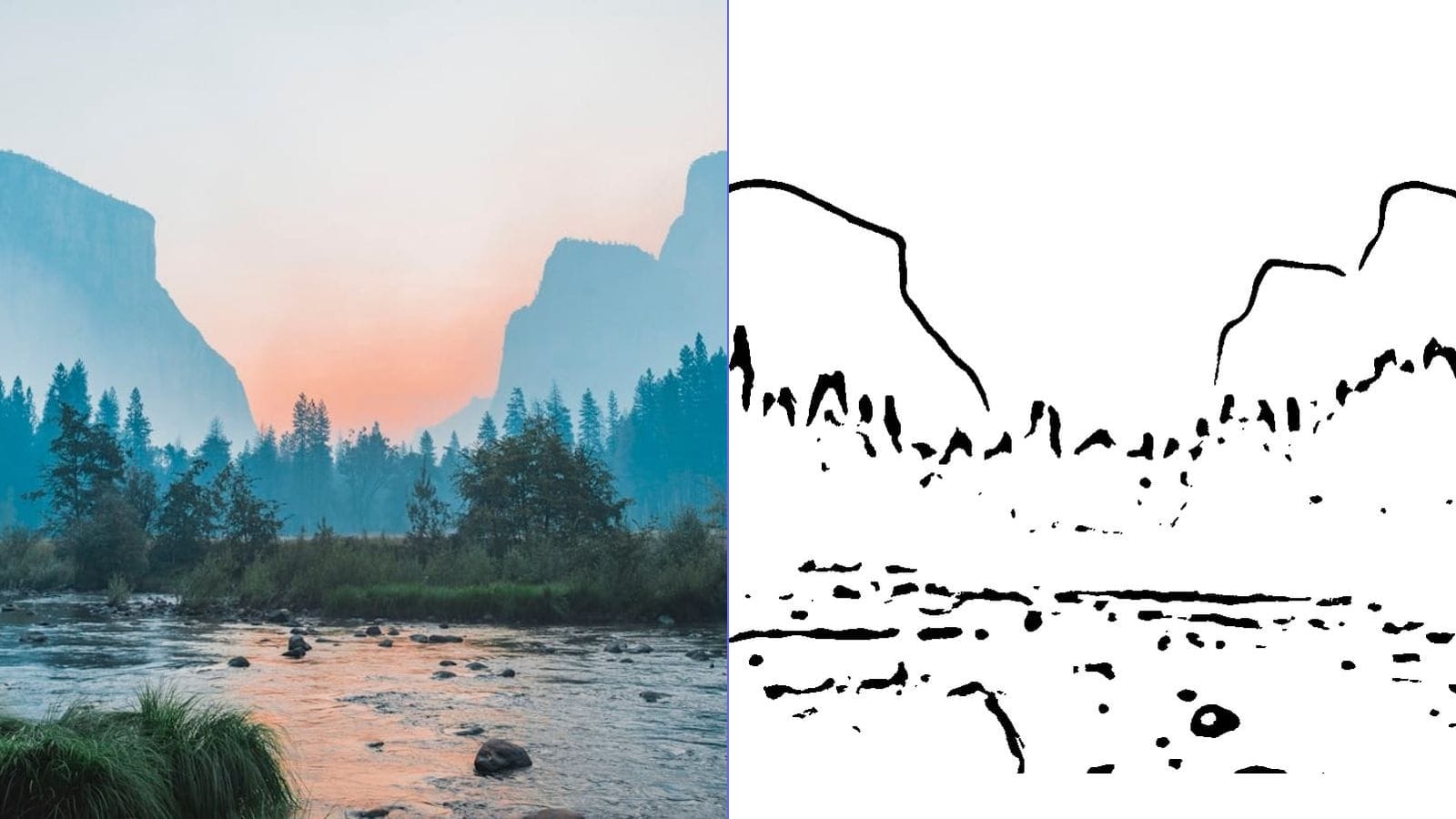
The Laser Engraving Converter transforms ordinary photographs into crisp, high-contrast artwork optimized for laser engraving machines. Unlike generic black-and-white filters, this tool uses Canny edge detection and Floyd-Steinberg dithering to produce output that translates beautifully onto wood, acrylic, leather, and metal.
Key features:
- Canny edge detection extracts clean outlines while suppressing image noise
- Floyd-Steinberg dithering simulates grayscale shading using dot patterns, giving engraved pieces depth and dimension
- Invert toggle lets you switch between light-on-dark and dark-on-light output depending on your material
- High-DPI export ensures your design stays sharp even at large engraving sizes
Use cases:
- Personalized cutting boards, coasters, and wooden signs
- Engraved pet portraits on slate or marble
- Leather journal covers and keychains
- Acrylic awards and decorative panels
If you've ever struggled with photos coming out as muddy blobs on your laser, this converter solves that problem by giving the machine exactly the kind of high-contrast input it needs.
---
2. Scroll Saw Pattern Generator
Best for: Woodworkers who need printable patterns with connected regions for fretwork and intarsia.
The Scroll Saw Pattern Generator converts photos into scroll-saw-ready patterns where every region stays physically connected — so your workpiece doesn't fall apart mid-cut. This is the detail that generic line art tools miss entirely.
Key features:
- Connected region analysis ensures all parts of the pattern remain structurally intact
- Blueprint mode renders the design in a traditional white-on-blue style that's easy to read in the workshop
- Adjustable detail level so you can simplify complex images into cuttable designs
- Printable output sized for standard paper or scalable to your project dimensions
Use cases:
- Decorative fretwork panels and room dividers
- Intarsia wildlife portraits
- Holiday ornaments and gift toppers
- Custom name signs and house number plaques
Scroll saw crafters know that not every line drawing works as a pattern. This tool is purpose-built to ensure structural integrity, saving you from discovering a design flaw halfway through a cut.
---
3. Stained Glass Pattern Maker
Best for: Glass artists and hobbyists who need patterns with closed contours and defined lead lines.
The Stained Glass Pattern Maker turns any photograph into a stained glass pattern with fully closed contour lines — exactly the way real glass panels need to be designed. Every shape is self-contained, ready to be traced onto glass, cut, and assembled.
Key features:
- Closed contour generation ensures every glass piece is a complete, cuttable shape
- Adjustable line weight lets you match your lead came or copper foil width
- Controllable complexity to create anything from simple suncatchers to elaborate window panels
- Clean, printable output that can be scaled to any project size
Use cases:
- Traditional leaded glass window panels
- Copper foil suncatchers and lamp shades
- Faux stained glass projects using paint or resin
- Mosaic planning and tile layout design
The difference between this tool and a standard edge-detection filter is significant: every line forms a closed loop, which means every piece of glass can actually be cut. That one detail saves glass artists hours of manual pattern correction.
---
4. Cross Stitch Pattern Maker
Best for: Needlecraft enthusiasts who want to turn personal photos into stitchable grid patterns.
The Cross Stitch Pattern Maker converts photographs into grid-based patterns with a reduced color palette — exactly what you need to start stitching. It handles the two hardest parts of pattern creation automatically: mapping pixels to a grid and reducing thousands of colors down to a workable number of thread shades.
Key features:
- K-Means color reduction intelligently groups similar colors into a manageable palette (you control how many)
- Grid overlay maps the image onto an Aida cloth grid so each cell equals one stitch
- Adjustable canvas size to control the final dimensions and stitch count
- Color-coded output with a clear legend for thread matching
Use cases:
- Custom portrait cross-stitch projects from family photos
- Pet portrait patterns for needlework gifts
- Landscape and nature scene reproductions
- Logo and monogram designs for personalized items
Hand-drafting a cross-stitch pattern from a photograph can take an entire weekend. This tool does it in seconds, and the K-Means algorithm ensures your color palette is realistic rather than random — so the finished piece actually looks like the original photo.
---
5. Tattoo Stencil Maker
Best for: Tattoo artists and enthusiasts who need clean line art stencils from reference images.
The Tattoo Stencil Maker converts reference photos and artwork into clean, transferable stencil designs. It produces the kind of bold, unambiguous line art that transfers well onto thermal stencil paper and reads clearly on skin.
Key features:
- Optimized line art extraction produces bold, clean outlines ideal for stencil transfer
- Mirror flip so you can reverse the design for transfer paper application
- Adjustable line weight to match your preferred stencil style, from fine detail to bold outlines
- High-resolution export for crisp prints on thermal transfer paper
Use cases:
- Converting client reference photos into workable stencil outlines
- Creating flash sheet designs from sketches or illustrations
- Preparing custom lettering and script stencils
- Generating temporary tattoo templates for events or testing placement
The mirror flip feature alone makes this tool invaluable for tattoo work — no more guessing whether your stencil will read correctly once transferred. And because everything runs in the browser, client reference photos stay private and never get uploaded to a server.
---
Why These Tools Are Different
There are plenty of generic photo-to-sketch apps online. What makes these five tools stand out is that each one is engineered for a specific craft discipline. A scroll saw pattern needs connected regions. A stained glass design needs closed contours. A laser file needs dithering. These aren't cosmetic differences — they're the details that determine whether your project succeeds or fails.
What all five tools share:
- 100% free — no premium tiers, no watermarks, no hidden fees
- No sign-up required — open the page and start converting immediately
- Browser-based processing — your images are processed locally and never uploaded to any server
- Instant results — most conversions take just a few seconds
- Download-ready output — save your converted design as a high-quality image file
Get Started
Pick the tool that matches your craft, upload a photo, and have a project-ready pattern in seconds. All five converters are available right now on MakeLineArt.com — no account needed, no software to install, and no cost. Whether you're a seasoned artisan or just getting started with a new craft, these tools are built to save you time and help you create better work.