What Thermal Transfer Paper Is and How It Works
Thermal transfer paper is the bridge between a tattoo design on screen or paper and the purple-blue outline that appears on a client's skin before the needle ever touches them. It is, in the simplest terms, a multi-layered carbon-copy system. When a design is traced or printed onto the top layer, pressure and heat transfer a mirror image of that design onto the bottom layer, which then transfers onto skin when applied with moisture and pressure.
The concept is borrowed from old-fashioned carbon paper -- the kind used for creating duplicate receipts before digital registers existed. But tattoo transfer paper has been specifically engineered for skin contact. The inks are skin-safe, the adhesion is temporary, and the lines are precise enough to guide a tattoo machine at close range for hours at a time.
Understanding how transfer paper works, which type to use, and how to apply it properly is fundamental knowledge for tattoo artists. A clean, accurate stencil is the foundation of a clean, accurate tattoo. A smudged, faded, or poorly positioned stencil leads to hesitation, guesswork, and mistakes that are far more permanent than the stencil itself.
Types of Transfer Paper
Spirit Paper (Hectograph Paper)
Spirit paper is the traditional and most widely used type of thermal transfer paper in tattooing. It comes in sets of four bonded layers:
- Top sheet (white): This is where you draw or trace your design by hand.
- Milky/translucent sheet: This is a protective separator.
- Carbon sheet (purple/blue): This layer contains the hectograph carbon that creates the transfer image.
- Yellow or white bottom sheet: This receives the transferred image and is the sheet you apply to skin.
When you press a pen or stylus against the top sheet, the pressure pushes through the separator and activates the carbon layer, depositing a mirror image on the bottom sheet. You then separate the bottom sheet and apply it to the skin.
Spirit paper is designed for hand-tracing and for use with thermal copier machines. It is not compatible with inkjet or laser printers.
Hectograph Pencils and Pens
These are not a type of paper but are worth mentioning because they are used in conjunction with spirit paper. Hectograph pencils and pens contain the same purple carbon compound found in the carbon layer of spirit paper. Artists use them to draw directly on the skin for freehand work or to reinforce fading stencil lines during long sessions.
Inkjet-Printable Transfer Paper
Inkjet-printable transfer paper is a newer product designed for artists who create their designs digitally and want to print stencils directly from a standard inkjet printer. These papers use a specially coated surface that accepts inkjet ink and transfers it to skin when applied with a transfer solution.
The advantage of inkjet transfer paper is that it preserves every detail of a digital design -- fine lines, complex patterns, text, geometric precision -- without the slight line thickening that can occur with thermal copier transfers. It also eliminates the need for a dedicated thermal copier machine.
The trade-off is that inkjet transfers can be more sensitive to moisture and may fade faster during the tattoo process compared to thermal copier transfers. Application technique is more critical, and the transfer solution must be compatible with the specific paper brand.
Laser-Printable Transfer Paper
Some brands also offer transfer paper compatible with laser printers. Laser transfers tend to be more durable on skin than inkjet transfers because the toner is fused to the paper's coating at high temperature. However, not all transfer papers can withstand the heat of a laser printer's fuser unit without warping or jamming, so always verify compatibility before running transfer paper through a laser printer.
Printer Compatibility: Thermal Copier vs. Inkjet
Thermal Copier Machines
A thermal copier (sometimes called a tattoo stencil machine or hectograph machine) is a dedicated device that uses heat to transfer a design from a printed or drawn original onto spirit paper. You feed the original design and a sheet of spirit paper through the machine together, and the heat activates the carbon layer wherever dark lines appear on the original.
Thermal copiers produce the most durable, sharpest stencil lines of any transfer method. The carbon is heat-bonded to the transfer sheet, creating lines that resist smudging during application and hold up well throughout a tattoo session. Professional-grade thermal copiers from manufacturers like Brother and Piaoyi are standard equipment in most tattoo studios.
When using a thermal copier, the original design must have strong, dark lines. Pencil sketches with light, feathery strokes may not generate enough contrast for the thermal sensor to detect. For best results, trace your design with a black marker or print it on a laser printer at the highest contrast setting.
Inkjet Printers
Standard home and office inkjet printers work with inkjet-specific transfer paper. The key requirement is that the printer uses dye-based or pigment-based inks (most consumer inkjets do). Set the print quality to the highest available setting and use a standard or photo paper profile to ensure maximum ink density.
Print your design in its normal orientation (not mirrored) if your transfer paper instructions specify that the image will be flipped during application. Some papers require you to print mirrored; always read the specific product's instructions before printing.
Preparing Artwork for Transfer
Mirror Flipping
Every stencil must be a mirror image of the final tattoo design. When the stencil is pressed against skin and peeled away, it flips -- just like pressing a rubber stamp onto paper. If you print or trace the design in its normal orientation and apply it directly, the tattoo will be reversed.
Most thermal copier machines automatically produce a mirrored output. If you are using inkjet transfer paper, you typically need to flip the image horizontally in your design software before printing. Always verify the mirroring requirement with a test print: write a word on paper, transfer it, and check that it reads correctly on skin or on the back of your hand.
Contrast and Line Weight
Transfer paper responds to contrast. The darker and more defined your lines, the cleaner and more complete the transfer. When preparing digital artwork for stencil printing, convert the design to high-contrast black and white. Remove any gray tones, gradients, or color fills -- these do not transfer clearly and create muddy, ambiguous marks on skin.
Line weight matters too. Very thin lines (under 0.5 points in a vector file or under 2 pixels in a raster file) may not transfer visibly, especially on textured skin or over body hair. For reliable transfers, maintain a minimum line weight of 1 point (about 3 pixels at 300 dpi). Critical outlines and structural lines should be heavier -- 1.5 to 2 points -- while secondary detail lines can be lighter.
Optimizing with Sketch Conversion Tools
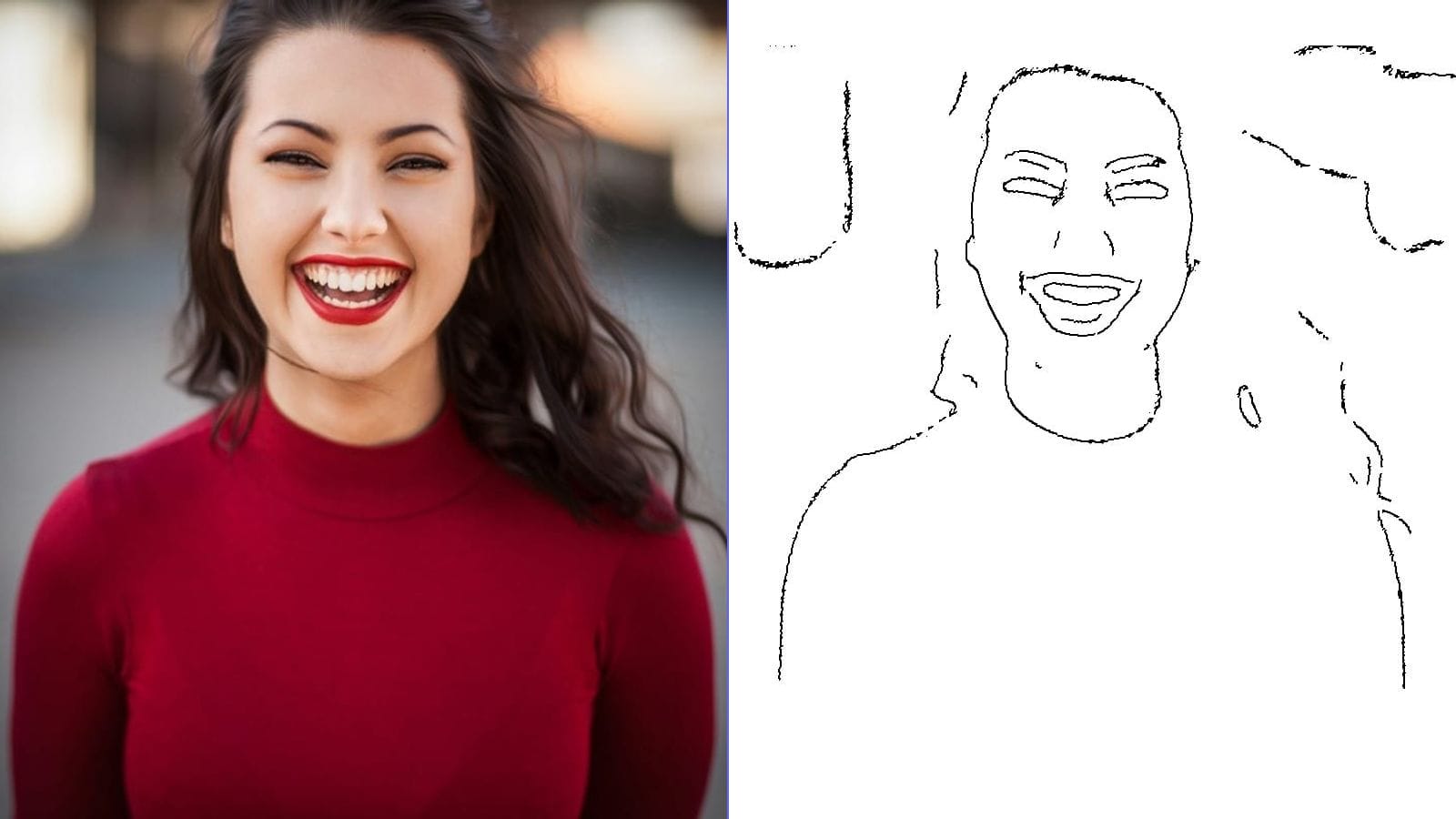
If your source artwork is a photograph or a grayscale illustration rather than a clean line drawing, running it through a line-art conversion tool before printing can dramatically improve stencil quality. A good conversion tool reduces the image to clean, high-contrast lines that transfer crisply, eliminating the continuous tones and subtle gradients that cause problems on transfer paper.
When using a conversion tool, look for settings that produce bold, connected lines without excessive detail. For tattoo stencils, less is often more -- you want enough information to guide the tattoo but not so much that the stencil becomes cluttered and difficult to read during the session.
Step-by-Step Application Process
Step 1: Prepare the Skin
Clean the application area thoroughly with green soap or an antibacterial wash to remove oils, dirt, and dead skin cells. These contaminants interfere with transfer adhesion and can cause uneven or patchy stencil lines. Dry the skin completely with a clean paper towel.
If the area has body hair, shave it before applying the stencil. Hair prevents the transfer paper from making full contact with the skin surface, resulting in gaps and broken lines.
Step 2: Apply the Transfer Solution
There are several methods for preparing the skin to receive the stencil:
Speed Stick method (deodorant): Apply a thin, even layer of clear Speed Stick deodorant (or similar solid, non-gel deodorant) to the clean, dry skin. The waxy formula acts as a tacky surface that grabs the carbon from the transfer paper. This is the most commonly used method and works reliably with spirit paper transfers.
Green soap method: Apply a thin layer of green soap to the skin with a spray bottle or by wiping with a green-soap-dampened paper towel. Green soap provides moisture that activates the carbon transfer. It works well but can produce slightly less crisp lines than the deodorant method.
Commercial stencil solutions: Products like Stencil Stuff, Derm Deep, and Electra Stencil Primer are purpose-formulated for stencil application. They typically produce the darkest, most durable transfers and are preferred by many professional artists. Apply according to the product's instructions, which usually involve spraying or wiping a thin layer onto the skin.
Step 3: Position and Apply the Stencil
Peel the transfer sheet (the bottom layer with the mirrored design) from the rest of the paper set. Position it on the prepared skin with the image side down (carbon facing the skin). Take your time with placement -- once the paper contacts the tacky or damp skin, repositioning is difficult without smearing.
Press the paper firmly and evenly against the skin using flat, consistent pressure. Avoid rubbing or sliding the paper, which causes smearing. A rolled towel or the flat of your palm works well for pressing. Hold firm pressure for 15 to 30 seconds, longer for large stencils.
Step 4: Peel and Inspect
Carefully peel the paper away from one corner, checking that the lines have transferred clearly. If parts of the design are missing, you can carefully re-press the paper against those areas. Once fully peeled, inspect the entire stencil for completeness, clarity, and accurate positioning.
Step 5: Let It Dry
Allow the stencil to air-dry completely before beginning the tattoo. Touching or wiping a wet stencil will smear the lines. Drying usually takes 5 to 15 minutes depending on the transfer solution used, the ambient humidity, and the size of the stencil. Some artists use a fan to speed the process.
Troubleshooting Smudged or Faded Transfers
Problem: Lines are smudged or blurry.
Cause: Too much transfer solution was applied, or the paper shifted during pressing. Fix: Use a thinner layer of solution and hold the paper absolutely still during application.
Problem: Transfer is very faint or incomplete.
Cause: The skin surface was too dry or oily, the transfer paper is old, or insufficient pressure was applied. Fix: Ensure the skin is clean and properly prepped, check the paper's expiration or manufacture date, and apply firmer, more even pressure.
Problem: Transfer fades quickly during the session.
Cause: Excessive wiping, heavy-handed cleaning, or an incompatible transfer solution. Fix: Use a purpose-made stencil solution designed for durability, wipe gently and infrequently over stencil lines, and consider reapplying faded sections with a hectograph pen.
Problem: Stencil lines are too thick or bleeding.
Cause: Too much pressure during application, too much solution on the skin, or the original design has very heavy line weight. Fix: Reduce pressure, use less solution, and adjust the original artwork to use finer lines.
How Long Do Transfers Last on Skin
A properly applied stencil will last anywhere from a few hours to a full working day, depending on the transfer method, the solution used, the body area, and how much the area sweats or is touched.
Spirit paper transfers with commercial stencil solutions (Stencil Stuff, Electra) typically last the longest -- often 4 to 8 hours with minimal fading. Deodorant-method transfers last 2 to 4 hours under normal conditions. Inkjet transfers are generally less durable and may begin fading after 1 to 2 hours if exposed to moisture.
For long sessions (backpieces, full sleeves, large-scale work), plan to reinforce faded areas with a hectograph pen or reapply the stencil to unfinished sections during breaks.
Freehand vs. Stencil Approaches
Not every tattoo requires a stencil. Freehand tattooing -- drawing directly on the skin with markers and then tattooing over those lines -- offers creative flexibility that stencils cannot match. Freehand allows the artist to respond to the body's contours in real time, adjusting curves, proportions, and flow to suit the individual anatomy.
However, freehand is a skill that develops over years of practice, and it is not suitable for every design. Geometric patterns, text, portraits, and symmetrical designs almost always benefit from a stencil because the precision required exceeds what most artists can achieve freehand under the pressure of a live session.
Many experienced artists use a hybrid approach: they apply a stencil for the primary structure and outlines, then add freehand elements -- background shading, organic details, connecting elements -- during the session.
Digital Stencil Workflow
The modern digital stencil workflow looks like this:
- Create or receive the design digitally (drawing tablet, design software, client-supplied image).
- Convert to clean line art using illustration software or an automated line-art conversion tool. Remove all gray tones, gradients, and fills.
- Adjust line weight for the scale of the tattoo. Larger tattoos can use finer lines; smaller tattoos need heavier lines to transfer clearly.
- Mirror the image horizontally if required by your transfer paper or copier.
- Print onto transfer paper (thermal copier or inkjet, depending on paper type).
- Apply to skin using the method described above.
This workflow allows the artist to refine, resize, and reposition the design digitally before any ink touches paper, reducing waste and ensuring the stencil is exactly right before application.
Caring for Stencils During Long Sessions
During multi-hour tattoo sessions, stencil preservation becomes a practical concern. Here are proven strategies:
Work from the outside in. Start tattooing the areas farthest from the stencil center. By the time you work toward the middle, the outer lines have already been tattooed and no longer need the stencil.
Minimize wiping over untattooed stencil lines. When cleaning excess ink during the session, wipe carefully and avoid dragging paper towels across stencil lines that have not been tattooed yet.
Photograph the stencil. Before starting, take a clear reference photo of the full stencil on the skin. If lines fade or are accidentally wiped away, the photo provides a definitive reference for redrawing.
Keep a hectograph pen nearby. For lines that fade during the session, a hectograph pen allows you to redraw directly on the skin without reapplying the entire stencil.
Alternative Transfer Methods
The Pen Method
For small, simple designs, some artists skip transfer paper entirely and draw the design on the skin with a surgical marker or hectograph pen. This is essentially freehand work with a reference, and it suits artists who are comfortable drawing on curved, three-dimensional surfaces.
Carbon Paper (Non-Tattoo)
Standard office carbon paper can technically create skin transfers, but it is not recommended. The inks and dyes in office carbon paper are not formulated for skin contact and may cause irritation or allergic reactions. They also produce lines that are too faint for reliable tattooing. Always use paper specifically manufactured and labeled for tattoo use.
Digital Projection
A recent innovation involves projecting the digital design onto the skin using a small projector or a tablet held near the body. The artist traces the projected image with a marker, creating a freehand stencil that matches the digital design exactly. This method is useful for placing large designs across complex body topography where flat transfer paper might wrinkle or distort.
Product Recommendations
Without endorsing specific brands, here are the categories of products that constitute a reliable stencil toolkit:
- Spirit paper: A reputable brand from a tattoo supply distributor, stored in a cool, dry place.
- Thermal copier: A dedicated tattoo stencil machine with adjustable heat settings.
- Stencil solution: A commercial product formulated specifically for tattoo stencil application.
- Hectograph pen: For touch-ups and freehand additions.
- Green soap: For skin preparation and cleaning during the session.
- Quality inkjet transfer paper (if using the digital inkjet workflow): Check compatibility with your specific printer model.
Frequently Asked Questions
Can I use a regular home printer to make tattoo stencils?
Yes, if you use transfer paper specifically designed for inkjet printers. Standard paper will not transfer to skin. Make sure the paper is compatible with your printer type (inkjet vs. laser) and follow the manufacturer's instructions for print settings and application.
Why does my stencil come out backwards?
If the tattoo reads backwards after application, the design was not mirrored before printing or transferring. Remember that the transfer process flips the image. Always mirror your design in software before printing, or use a thermal copier that mirrors automatically.
How do I make stencil lines darker?
Use a commercial stencil application solution instead of deodorant, apply firm and even pressure during transfer, ensure the design has strong black lines at the source, and use fresh transfer paper. Old paper with dried-out carbon produces faint transfers.
Is it safe to apply stencils over broken skin or fresh shaves?
Apply stencils only to intact, unbroken skin. Fresh shaving nicks or razor burn can sting when stencil solution is applied and may interfere with transfer adhesion. Shave the area at least 30 minutes before stencil application to allow minor irritation to subside.
How many times can I reuse a single piece of transfer paper?
Spirit paper is single-use. Once the carbon has been transferred, the sheet is spent. Some artists attempt to reuse partially used sheets for small designs, but the transfer quality degrades significantly after the first use.
What should I do if the client does not like the stencil placement?
Remove the stencil with green soap or rubbing alcohol, clean the skin thoroughly, allow it to dry, and reapply a fresh stencil in the adjusted position. Never tattoo over a stencil the client is not satisfied with -- repositioning takes minutes, but a misplaced tattoo is permanent.